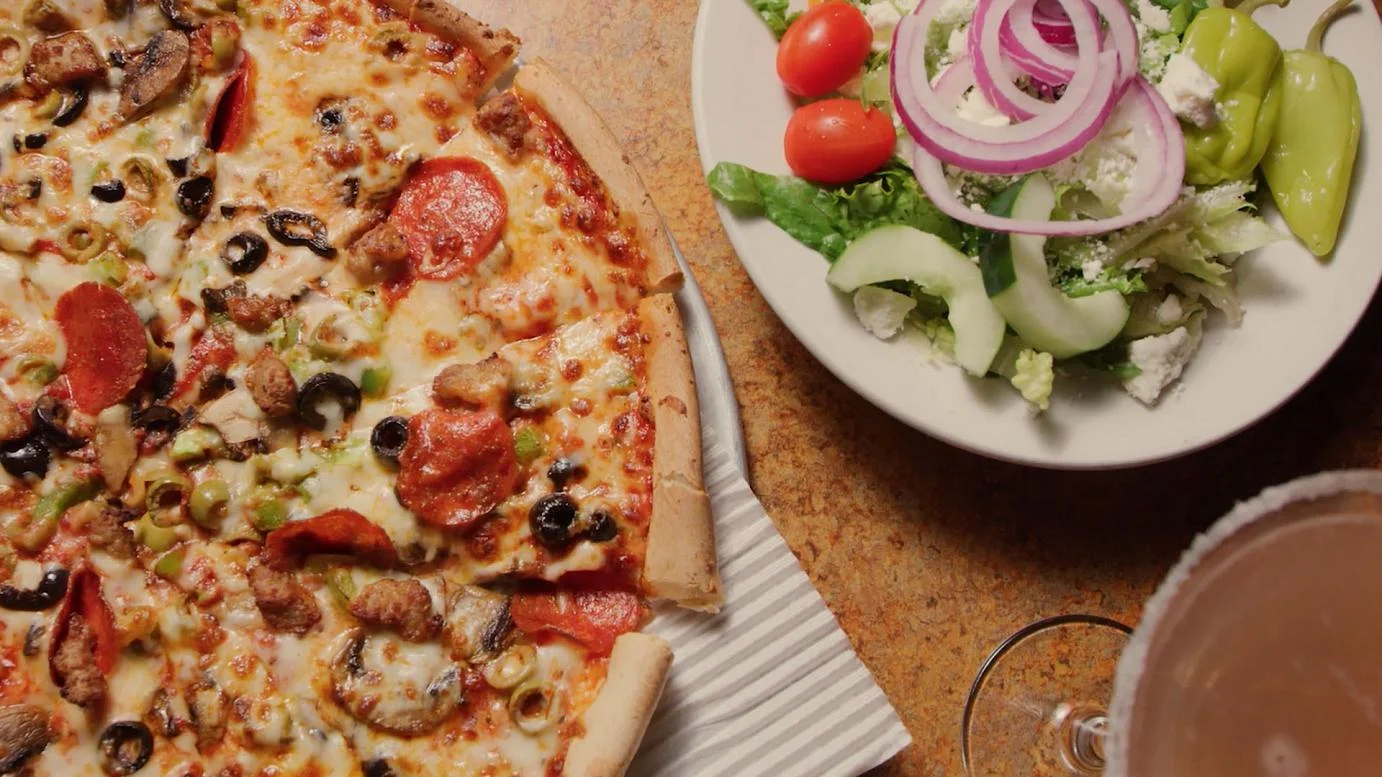
BOGO Pizza in Cumming, Georgia
House-Made Dough.
Hometown Pizza.
Twice the Reason to Bring Giorgio’s Home!
FIRST TIME ORDERING BOGO ONLINE WITH US?
PLEASE READ BEFORE ORDERING!
BOGO IS EASY. REMEMBER THESE 3 THINGS:
1. ORDER PIZZAS IN PAIRS
Choose 2, 4, 6, 8, or 10 qualifying pizzas from the BOGO Pizza menu.
2. HOW TO APPLY YOUR BOGO
At checkout, open Offers & Savings and choose the offer that matches the number of qualifying pizzas in your cart.
2 pizzas → BOGO2
4 pizzas → BOGO4
6 pizzas → BOGO6
8 pizzas → BOGO8
10 pizzas → BOGO10
3. CHECK YOUR DISCOUNT
Make sure the BOGO discount appears before you place your order.
IMPORTANT: BOGO IS NOT AUTOMATIC! → You must select your BOGO offer at checkout.
QUALIFYING BOGO PIZZAS
Choose from regular 10-inch and 14-inch pizzas in the BOGO Pizza section of our online menu.
8-inch Personal Pizzas and 10-inch gluten-free pizzas are not included in the BOGO promotion.
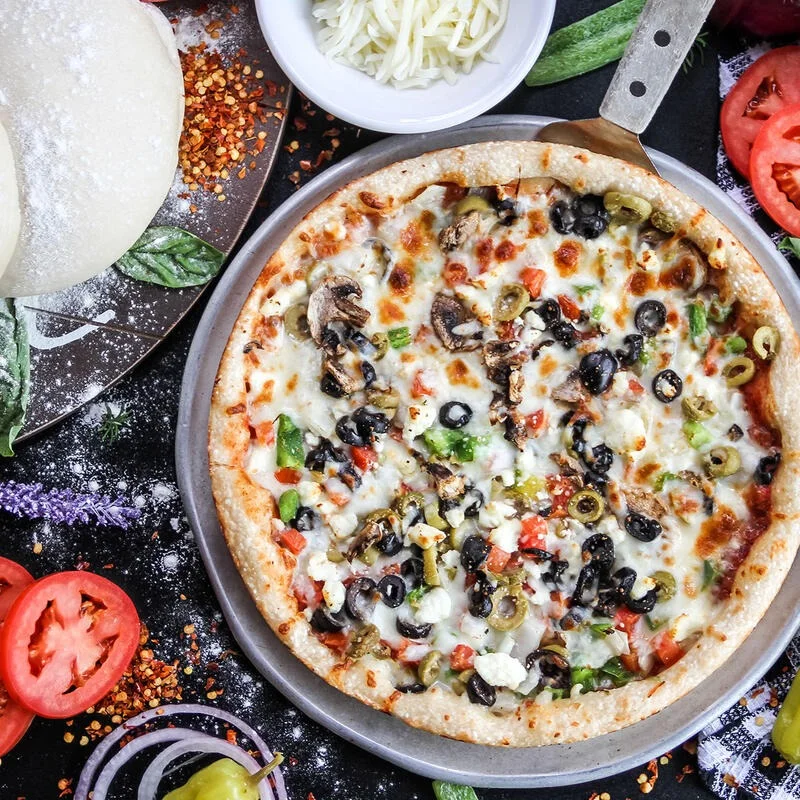
BOGO at a Glance
BUY ONE, GET ONE FREE
For every two qualifying pizzas, the pizza of equal or lesser value is free.
ORDER IN PAIRS
BOGO works in pairs. Order 2, 4, 6, 8, or 10 qualifying pizzas to receive the full value of the offer.
QUICK TIP
Have 3 pizzas? Order 4.
Have 5 pizzas? Order 6.
An even number means you won’t miss a free qualifying pizza.
QUALIFYING PIZZAS
Choose from regular 10-inch and 14-inch pizzas in the BOGO Pizza section of our online menu.
PICKUP OR DELIVERY
Giorgio’s BOGO Pizza is available for both pickup and delivery through online ordering.
EXCLUSIONS
8-inch Personal Pizzas and 10-inch gluten-free pizzas are not included in the BOGO promotion.
Before you place your order, open Offers & Savings at checkout, select the matching BOGO offer, and make sure the discount appears.
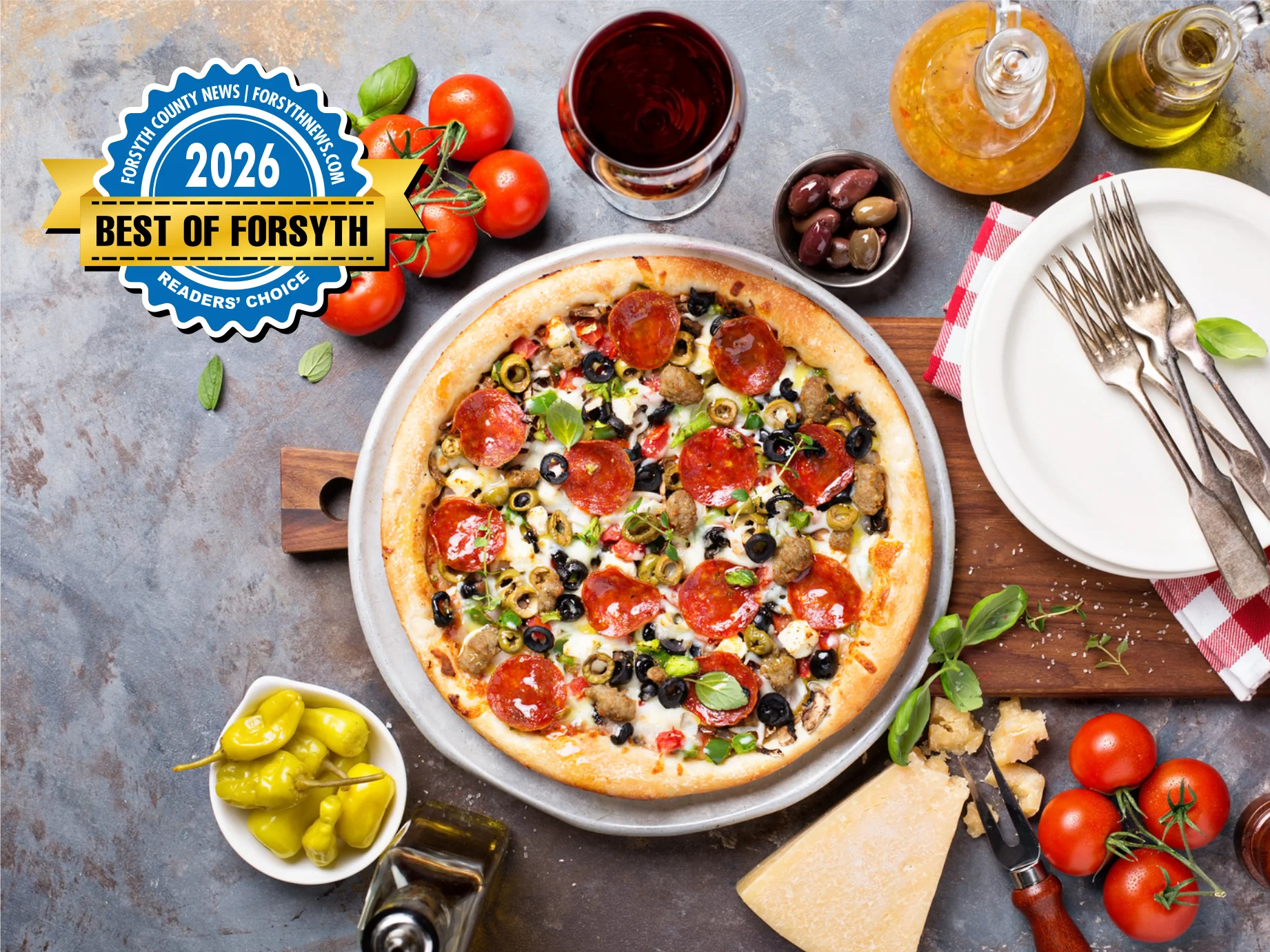
A Giorgio’s Tradition Since 1991
BOGO Pizza has been part of Giorgio’s Family Kitchen from the beginning. For more than 35 years, families throughout Cumming and Forsyth County have made our house-made pizza part of family dinners, celebrations, and nights when pizza just sounds right.
Choose your favorite qualifying 10-inch or 14-inch pizzas, order them in pairs, and get the pizza of equal or lesser value free.


